Invoices and payment
Find your invoices on Plan and billing and in the emails from Link, change your card or add your VAT number with Link, and fix a failed payment.
See your invoices
Click Settings at the bottom of the sidebar.
Under Organization, click Plan & billing.
Scroll to Invoices at the bottom of the page.
Owners and Admins can see this list. It stays there after you cancel, so you can still reach old invoices. Click View to open an invoice online, or PDF to download it.
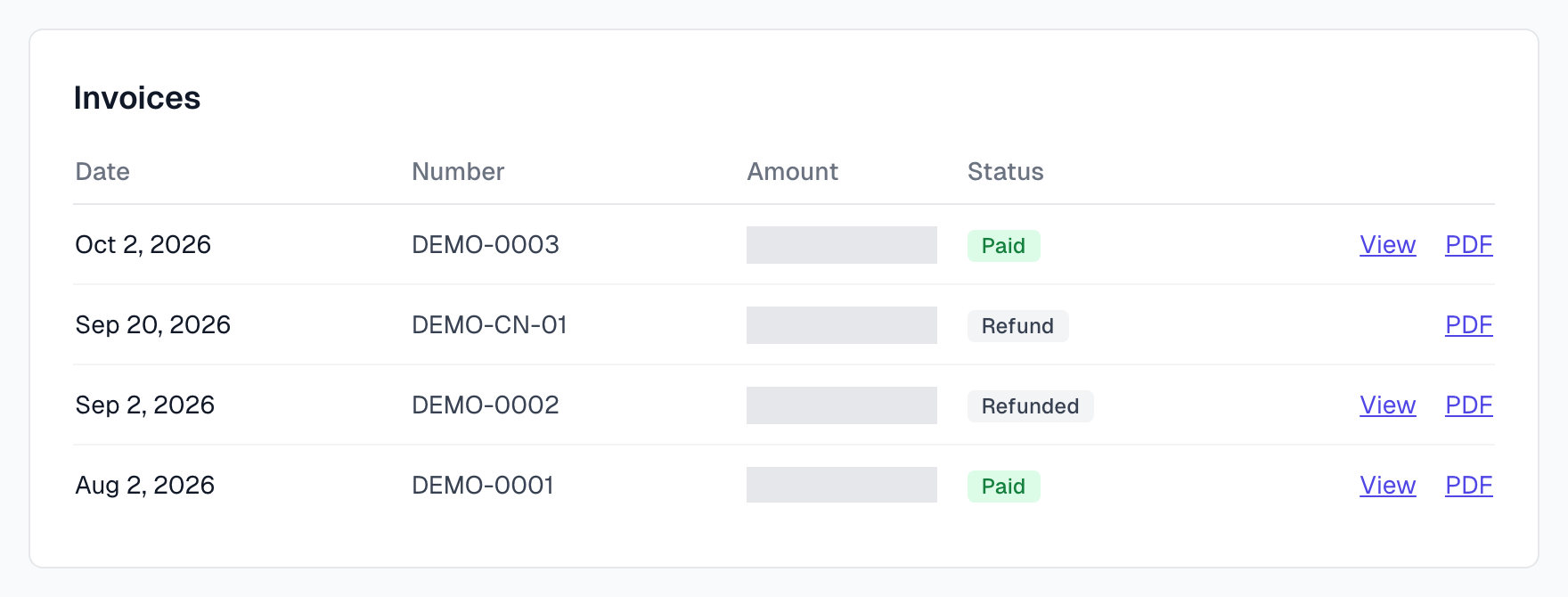
Status | What it means |
|---|---|
Paid | The invoice is paid. |
Open | It has not been paid yet. |
Void | It was cancelled. |
Uncollectible | The payment could not be collected. |
Refund | A refund, on its own row, with a PDF. |
Refunded | This invoice was refunded in full. |
Partly refunded | Part of this invoice was refunded. |
The list shows your most recent invoices and refunds. A new renewal invoice can take about an hour to appear.
Change your card or find a receipt
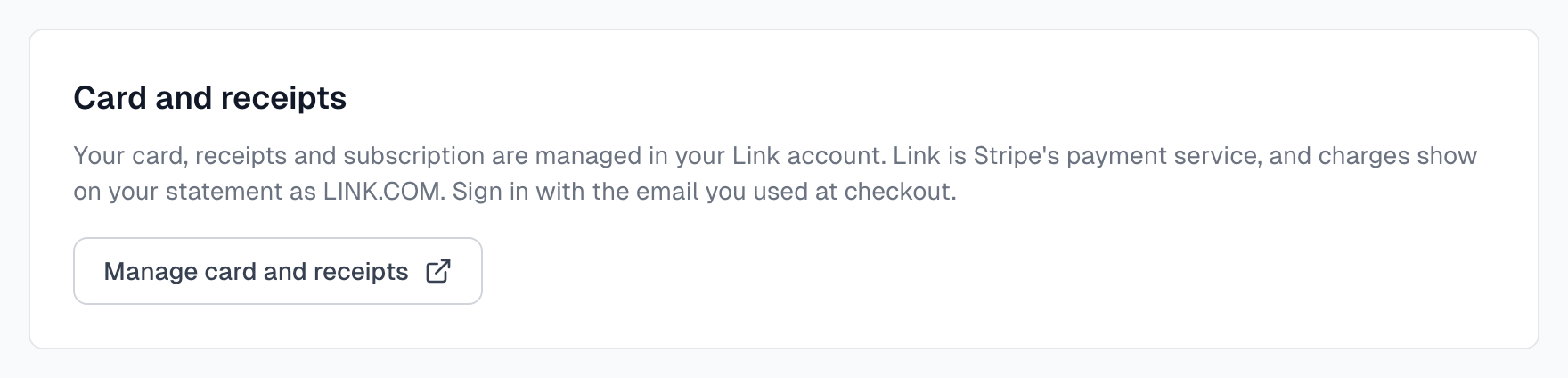
Your card, receipts and subscription are managed in your Link account. Link is Stripe's payment service. It handles our payments, so your receipts and invoices come from Link. Only an Owner sees this card.
On Plan & billing, go to Card and receipts.
Click Manage card and receipts. Link opens in a new tab.
Sign in with the email you used at checkout. Link checks it is you with a code or a passkey.
Open Recurring and choose your Magic Testimonials subscription. Click Payment to change your card.
The new card is used from your next payment. Payments already made stay on the old card. You can update your billing address in your Link account too.
Your receipt and invoice
After each payment, Link emails you from notifications@link.com, at the email you used at checkout. The email shows the amount, the card, a receipt number and an invoice number. Click Download next to each to get the PDF. The Manage subscription button in the email opens your subscription in Link.
The invoice names Sold through Link, LLC as the seller. Prices are in US dollars, and checkout may show them in your local currency. VAT is added at checkout where it applies, unless you add a valid VAT number. The invoice may also show the VAT in your local currency.
Your card statement shows the charge as LINK.COM* MAGIC TESTIM. Some banks write it a little differently, for example Link.com Magic Testim.
Add your VAT number
If you buy for a business, add your VAT number at checkout, before you pay:
Under Payment method, tick I'm purchasing as a business.
Under VAT information, enter your business name, choose your country's VAT type, and enter your VAT number.
When the number is valid, the VAT is removed and Tax shows 0 before you pay.
To add or change them after you have paid, contact Link support. Link issues your invoices, so ask Link.
If a payment fails
The Current plan card shows Payment failed, and a message appears under it.
Your last payment failed. You keep your plan while the payment is retried. An Owner should click Update card on Link before the retries run out.
We could not collect your payment. The retries ran out, so your organization is on Free for now, with the Free limits. Update your card on Link to restore your plan.
Until the payment is fixed, you cannot change your plan. Admins see the same message and are asked to speak to the Owner. Upgrade or downgrade explains what moving to Free switches off.
If something goes wrong
The list says No invoices yet
You have not been charged yet. Free plans have no invoices.
There is no Invoices section
You see it once your organization has started a checkout. A plan set up for you by Magic Testimonials has none.
I cannot sign in to Link
Use the email you gave at checkout. Link has its own sign-in, separate from Magic Testimonials. If you paid as a guest, open the receipt email from Link and create your Link account from there.
An invoice amount looks wrong
If you changed plan during a billing period, the invoice covers the difference for the days that were left. Open the PDF to see the lines. If it still looks wrong, contact us.
I cannot find my receipt
Search your inbox for an email from notifications@link.com. It goes to the email you used at checkout, which may not be the one you sign in to Magic Testimonials with. Past payments are also under Activity in your Link account.
I need my company name or VAT number on an invoice
Contact Link support. Link issues the invoice. Next time, add your VAT number at checkout and no VAT is charged.
I do not recognise a charge from LINK.COM
Our charges show as LINK.COM* MAGIC TESTIM. If you still do not recognise one, contact us before you dispute it with your bank.
I need a refund
The page says Billing is temporarily unavailable
Try again later. Your plan is not affected.
Last updated