Plans overview
Magic Testimonials has Free, Starter and Pro plans. This article explains what each plan is for, what the plan cards compare and where to see current prices and limits.
The plans
Prices and limits can change, so this article leaves the numbers to the app.
Free has no charge. It is the way to try Magic Testimonials, and it suits a small collection of written testimonials.
Starter is for regular collecting. It adds video on collection pages and in widgets.
Pro is for heavier use. It adds API access and the option to use your own AI key.
Paid plans bill monthly or yearly. There is no trial on a paid plan, so use Free to try the app first.
Some organizations have a plan set up for them by Magic Testimonials. Plan & billing then says Your plan is managed by Magic Testimonials. or Your plan was set by Magic Testimonials, so there is nothing to pay.
See current prices and limits
Click Settings at the bottom of the sidebar.
Under Organization, click Plan & billing.
Scroll to Choose a plan, or Change plan if you already pay.
Click Monthly or Yearly to see that price. With Yearly selected, the card also shows what you save.
You need an Owner or Admin role to open this page. Members cannot see it, so ask your Owner.
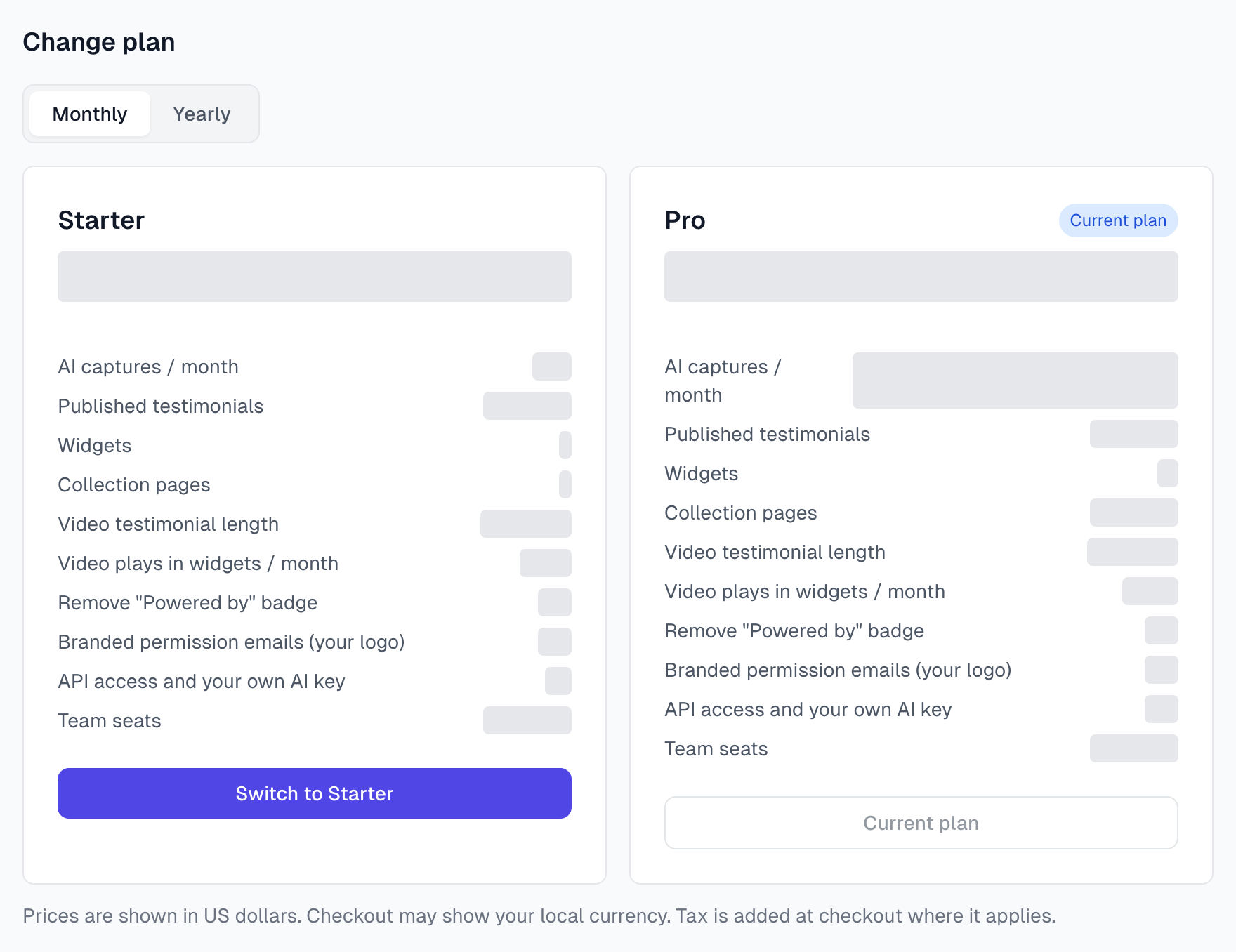
The grey bars in this picture are there because prices and limits can change. Your own page shows the current ones. Prices are in US dollars. Checkout may show your local currency, and tax is added at checkout where it applies.
What the plan cards compare
Row on the card | What it means |
|---|---|
AI captures / month | How many testimonials AI can read for you each month. See AI capture credits. |
Published testimonials | How many testimonials each widget can show. A widget with a limit shows its newest ones. |
Widgets | How many widgets can be switched on at once. |
Collection pages | How many collection pages can be active at once. |
Video testimonial length | The longest video someone can record on a collection page, and the longest that plays in a widget. Written only means neither. |
Video plays in widgets / month | How many times visitors can press play on videos in your widgets each month. |
Remove "Powered by" badge | Whether you can take the badge off your widgets and collection pages. |
Branded permission emails (your logo) | Whether your logo can appear in permission emails. See Branding. |
API access and your own AI key | Whether you can use API tokens and your own AI keys. |
Team seats | How many people can be in your organization. |
Check your own plan
The Current plan card on Plan & billing shows your plan, your billing cycle and your next renewal date.
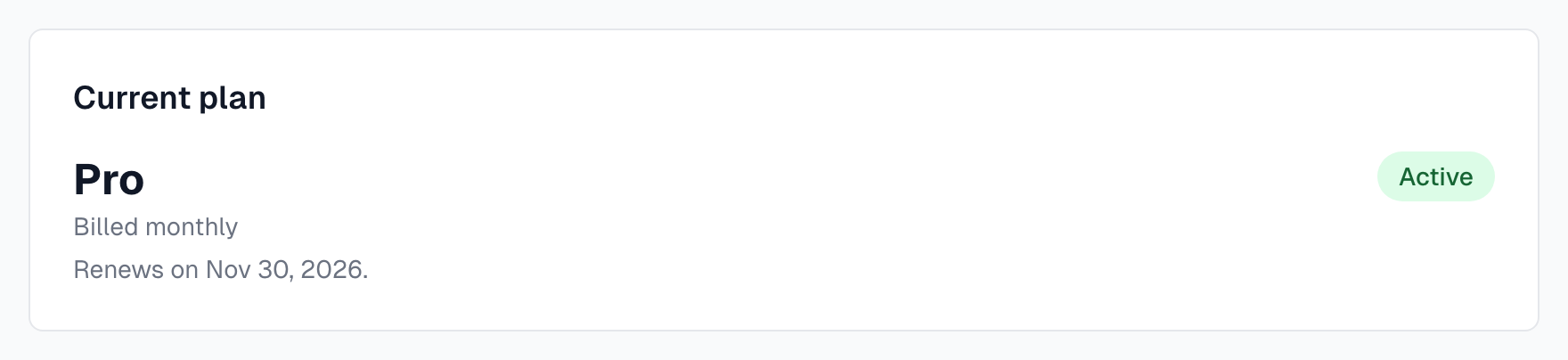
The badge shows where your plan stands:
Badge | What it means |
|---|---|
Free | You are on the Free plan. |
Active | Your paid plan is running and renews on the date shown. |
Ends and a date | You cancelled. The plan runs until that date, then moves to Free. |
Payment failed | A payment did not go through. The Owner can fix it with Update card on Link. See Invoices and payment. |
Payment pending | Your first payment is still being confirmed. |
No subscription | Magic Testimonials set your plan, so there is nothing to pay. |
Above that card, the usage panel shows how much of your plan you have used. See Usage and quotas.
Next steps
Last updated