HubSpot
Connect HubSpot to fill in author names and companies from your contacts, and to find missing emails by name.
Before you start
You need to be an Owner or Admin.
You need a private app in HubSpot with read access to contacts, and its access token.
Connect HubSpot
In Settings, click Integrations.
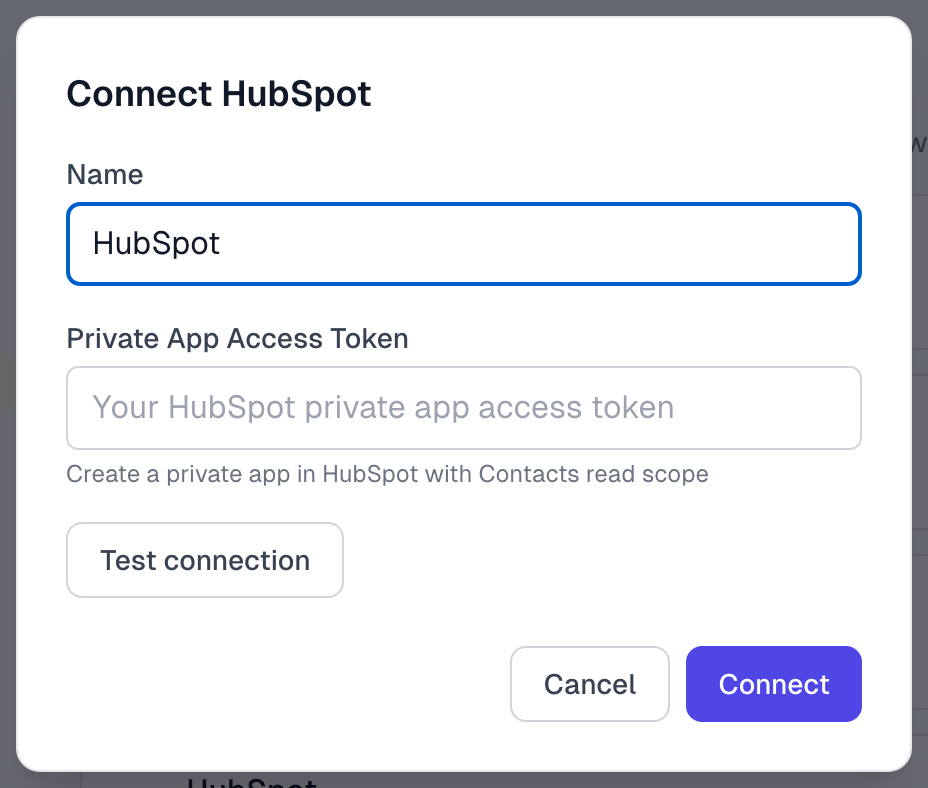
Under Lookup Sources, find HubSpot and click Connect. If another source is active, the button says Switch to HubSpot.
Paste your Private App Access Token.
Click Connect. We check the token before saving.
HubSpot now shows as Active. If you are switching from another source, read Integrations overview first, because Test connection turns your current source off.
What comes across
We read each contact's own first name, last name and company properties. Only empty fields are filled in, and tags do not come across. Integrations overview explains when a lookup runs.
Find Email and Run sync search HubSpot by name. See Find author emails.
If something goes wrong
It says Unable to connect to HubSpot
The token is wrong, or the private app cannot read contacts. Give the app read access to contacts and copy the token again.
The company is empty
We read the company property on the contact itself. If yours is only on a linked company record, add it to the contact, or type it in on the testimonial.
Integrations troubleshooting has more.
Last updated