ActiveCampaign
Connect ActiveCampaign to fill in author details from your contacts, and to find missing emails by name. You can also bring in contact photos from a custom field.
Before you start
You need to be an Owner or Admin.
You need your ActiveCampaign API key and account URL, from your ActiveCampaign account. The URL looks like https://yourname.activehosted.com.
Connect ActiveCampaign
In Settings, click Integrations.
Under Lookup Sources, find ActiveCampaign and click Connect. If another source is active, the button says Switch to ActiveCampaign.
Paste your API Key.
Paste your Account URL, with nothing after .com.
Click Connect. We check the details before saving.
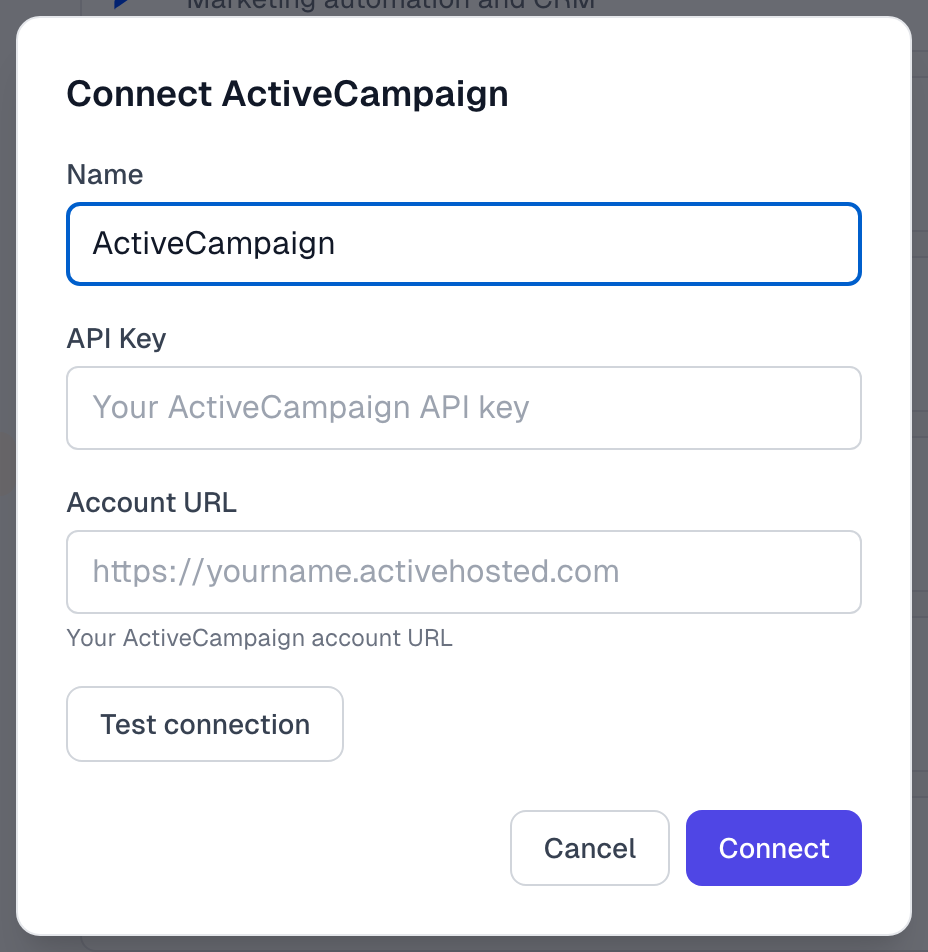
ActiveCampaign now shows as Active. If you are switching from another source, read Integrations overview first, because Test connection turns your current source off.
What comes across
Name
Company
Title, location and photo, if we can read them from your custom fields. Check a few testimonials after you connect. If these stay empty, type them in yourself.
Only empty fields are filled in. Integrations overview explains when a lookup runs.
Tags are not added to testimonials. They do help matching: a contact with a tag containing the testimonial's project name scores higher in email matching.
Find Email and Run sync search ActiveCampaign by name. See Find author emails.
Show contact photos
If your contacts keep a photo address in a custom field, you can point us to it. This card appears once ActiveCampaign is connected.
Scroll to Contact Avatars, below the Lookup Sources list.
In ActiveCampaign Custom Field Name, type the field's name.
Click Save.
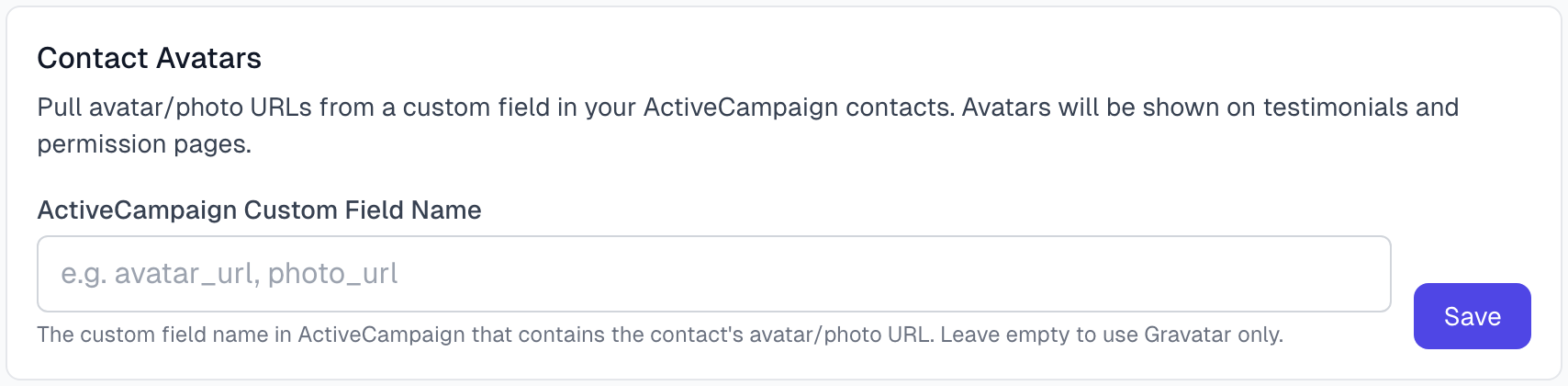
If you disconnect and connect again, this box starts empty, so enter the name again.
If something goes wrong
It says Unable to connect to ActiveCampaign
Copy the API key and account URL again. The URL should end at .com, with no slash after it.
A new testimonial did not get any details
A lookup needs the author's email. If AI could not read one, add it and click Lookup Contact, or use Find Email to search by name.
Title or location is empty
Type it in on the testimonial. See Editing a testimonial.
Integrations troubleshooting has more.
Last updated