Legal and GDPR
This page lists what Magic Testimonials does about consent, mailing addresses, opting out and stored data. It is not legal advice, and the app does not by itself make you compliant with any law.
Silence never counts as a yes
Magic Testimonials never treats an unanswered request as permission. A request stays Waiting for reply until the author answers, or until someone in your workspace acts on it. So every workspace asks each author for an explicit answer, and there is no setting that changes this.
The permission email and the consent page name no date and do not say that silence counts as a yes. {{timeoutDate}} is always empty, so in a custom template the sentence that contains it is removed from the email. If you wrote the same promise in other words, without that variable, it stays in your plain text, so check your template. See Writing a custom template.
You can still approve a testimonial yourself without asking, for example when the author agreed by email. See Manual approval. Whether an answer in the app, or one you record yourself, is enough where you operate is a question for your legal adviser.
Mailing address and Support Email
The app will not send a permission request until you add both.
Go to Settings > Email and stay on Provider & Address.
Fill in Physical Mailing Address. Address is the required field.
Click Save Address.
Go to Settings > General, enter a Support Email and click Save changes.
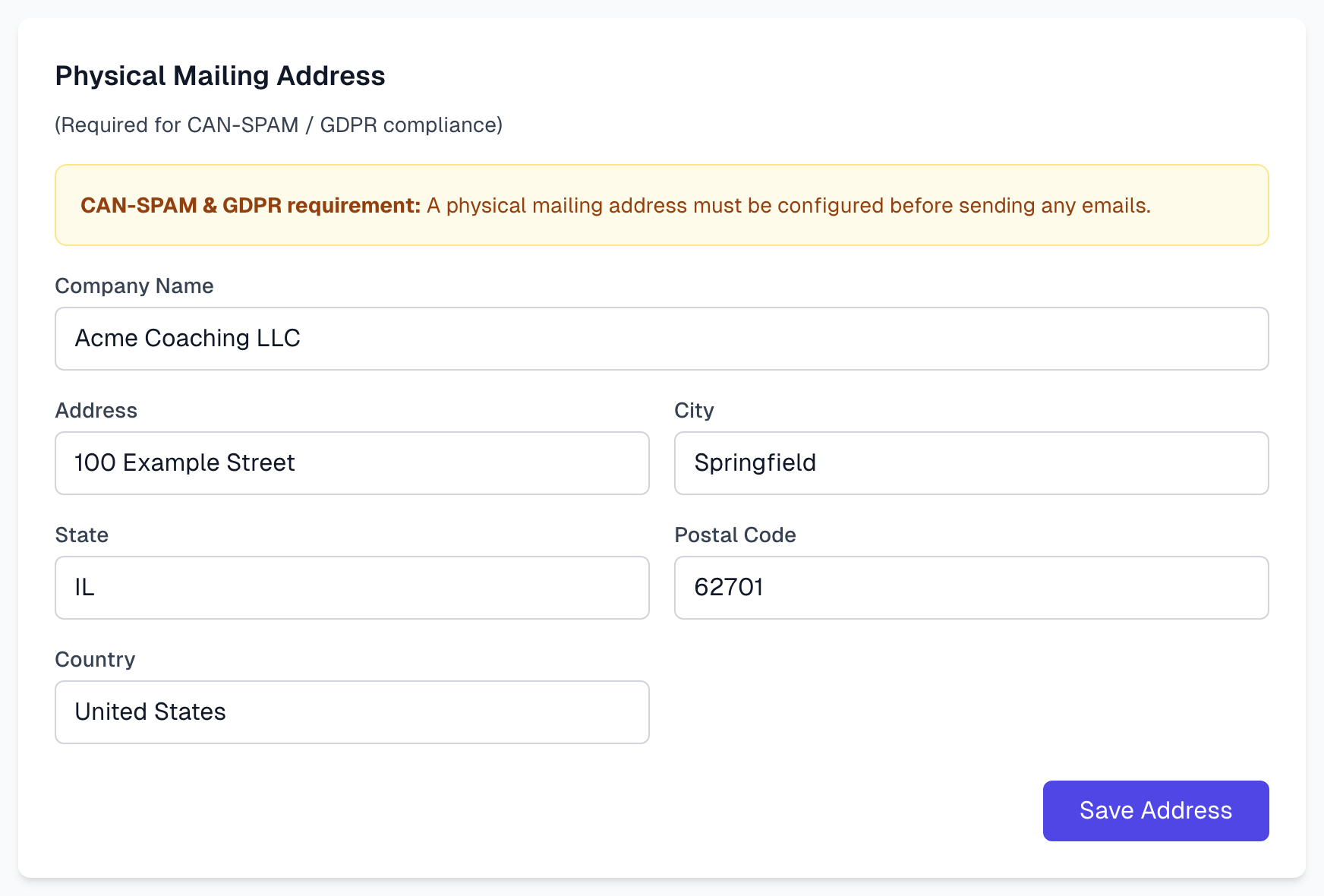
The address appears in the footer of permission emails. The Support Email appears in the email and on the consent page. Which address you should publish is a question for your adviser.
Opting out
Permission emails carry an unsubscribe header, which lets mail apps such as Gmail offer an unsubscribe option. The email itself has no unsubscribe link in its text.
When someone unsubscribes:
Their address goes on a list for your organization, and the app will not send them permission emails again.
Resend and new requests to that address are refused.
The app shows no label for this and has no way to view or edit the list.
What is recorded
The address the request went to, and when it was sent.
The time, IP address and browser of each email open and each visit to the consent page.
The author's answer, with its time, IP address and browser.
If an Owner or Admin asks the author again, the earlier answer and its date go into the testimonial's history, with who asked and the address the earlier request went to. The IP address and browser of the earlier answer are kept until the author answers again, and are then replaced by the new ones.
An answered request cannot be deleted, so the answer stays on record while the testimonial exists.
We do not store a copy of what the author saw. The consent page shows the testimonial as it is at that moment. Manual approvals record no answer from the author, as Manual approval explains.
Removing someone's data
Deleting a testimonial also removes its permission request, opens and visits, and email suggestions. See Bulk actions. These stay behind:
An internal log entry of the deletion, which includes the author's name.
Their address on the blocked list, if they opted out, or if you asked again at a new address after the old one bounced or was marked as spam.
For a testimonial imported from Endorsal, its Endorsal ID, so a later import does not bring it back.
The address an earlier request went to, in the internal history of a request you asked again.
Any copies outside the app, such as exports and Full Backups, and testimonials held in another platform such as Endorsal. Magic Testimonials never changes or removes anything there, so remove those copies in that platform.
Taking down or rejecting a testimonial does not remove the data. Ask your adviser how to handle a request from an author.
What is up to you
Magic Testimonials gives you the workflow. It does not decide what counts as consent where you operate, whether approving without asking is acceptable, or what your emails should say. Have someone qualified review how you use it.
If something goes wrong
My address does not stay
Click Save Address. It has its own button, separate from the rest of the page.
Last updated