Similar testimonials
Find Similar shows the testimonials closest in meaning to the one you are reading, even when they use different words. Use it to spot patterns and gather quotes on the same theme.
When to use it
You have one great testimonial and want more on the same topic.
You are writing a case study and need several quotes about the same result.
You want to know whether other people mention the same outcome.
Find similar testimonials
Open a testimonial.
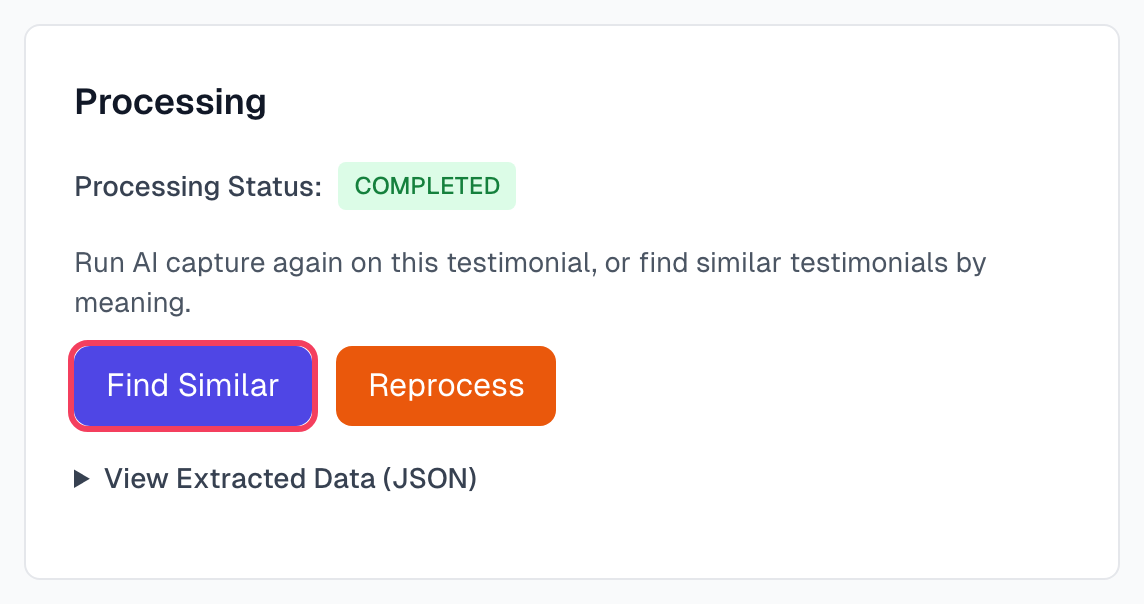
In the Processing card, click Find Similar.
Read the list that appears in the card. It shows up to 10 testimonials, closest match first, each with a match percentage.
Click View testimonial to open one. Hide results closes the list.
What it finds
Find Similar compares meaning, not exact words. It can match pairs like these:
"Saved me 5 hours a week" and "Massive time savings"
"Customer support is amazing" and "Their team is incredibly helpful"
"Easy to set up" and "Up and running in minutes"
Results come from your whole library, including rejected and archived testimonials. It always shows the closest ones it has, so a low percentage may not be a real match.
Tips
Start from a detailed testimonial. A short one like "Loved it!" gives weak results.
Open each match in a new tab to copy the best quotes: hold Cmd or Ctrl and click the link.
If you see only a few good matches, the topic may be under-represented, so capture more.
If something goes wrong
It says the testimonial does not have an embedding yet
AI has not finished with this testimonial. Wait a moment and try again.
It says No similar testimonials found
Your library may be too small, or the others have not finished processing. Try again after AI has processed more testimonials.
The results do not feel related
Matches can share a tone rather than a topic. Use Advanced search with specific words for a tighter list.
I want more than 10 results
The button stops at 10. Advanced search shows up to 20.
Last updated